To sell digital products online, you make something once, an ebook, a template, a preset, and sell the same file again and again. That is the whole appeal. No stock to store, no parcels to post, and no production cost on each new order once the file exists. The trade is different from the promise: you still have to find buyers, answer questions, and keep the product working. This guide covers seven ideas with low startup costs, the real fees on each platform, and the maths to check before you spend anything.
How selling digital products works
You create a file, list it somewhere buyers can find it, and the buyer pays and downloads it. That is the whole transaction. What changes between ideas is who brings the buyers and how much of each sale the platform keeps.
There are two routes. A marketplace such as Etsy or Creative Market brings buyers to you, but it takes a cut of every sale. Your own storefront keeps more per sale, but you bring the buyers yourself. A hosted store is one way to run your own shop: Shopify Basic costs $29 a month on yearly billing ($39 monthly), with a card rate of 2.9% plus $0.30 and a 2% fee for other payment providers. Prices vary by region, so check the pricing page before you budget. Either route works. The wrong choice is paying a monthly plan before you know anyone wants the product.
Compare digital product ideas by the work involved

Start with the work you are willing to do after launch. A course needs updates when tools change. A stock photo catalogue needs hundreds of files before it pays anything. Pick the idea whose ongoing work you can keep up with.
Practical comparison, not a ranking of expected returns
| Model | Main upfront work | Work that continues |
|---|---|---|
| Ebooks and short guides | Write one useful guide | Corrections, reader questions, updates |
| Online courses | Record the course | Lesson updates, student questions |
| Design templates | Design the template | Support and software updates |
| Stock photos | Shoot and keyword photos | Regular uploads and keywording |
| Printable planners | Design a printable planner | New designs and buyer questions |
| Photo presets | Build and test presets | Support and app updates |
| Music and sound packs | Record and mix sounds | New packs, licensing questions |
Fees decide more than most beginners expect. A marketplace that takes half of each sale can still be the better choice if it brings the buyers, while a store that keeps 95% earns nothing with no visitors. Compare the fee with the work involved, not with a guess at sales. Our list of online income ideas puts these products beside ten other options, with the same honest view of costs and risks.
Seven ways to sell digital products online with low startup costs
1. Ebooks and short guides

An ebook is the cheapest product to start: a word processor, a cover, and a file to sell. A short guide that solves one problem beats a long book nobody finishes. Write what you know well enough to answer questions about, and keep it short enough to finish.
Gumroad fits ebooks well because there is no monthly fee. Its fee page states a charge of 10% plus $0.50 on each direct sale, with card processing of 2.9% plus $0.30 on top. Sales through its Discover marketplace cost a flat 30%, processing included. If your paid sales in a calendar month pass $20,000, further direct sales that month drop to 5% plus $0.50. Read Gumroad’s fee page before you price anything: the processing fee is easy to miss beside the headline 10%.
2. A focused online course

Teach one task you can actually demonstrate. A short course showing how to complete a specific workflow is easier to judge than a broad promise to change someone’s career, and far quicker to record. Try the material as a small live lesson first and use the questions to improve it before you record the full version.
Teachable is built for this, but it is not free. Starter costs $39 a month billed monthly, or $29 a month billed annually, with a 7.5% transaction fee and a limit of five products. Builder costs $89 a month billed monthly, or $69 a month billed annually, and charges no transaction fee. The old free plan is gone, so a course is a poor first product if you have no audience yet. Check Teachable’s pricing page for the current figures. Recording is only part of the work: expect to update lessons when tools change and to answer learner questions.
3. Design templates
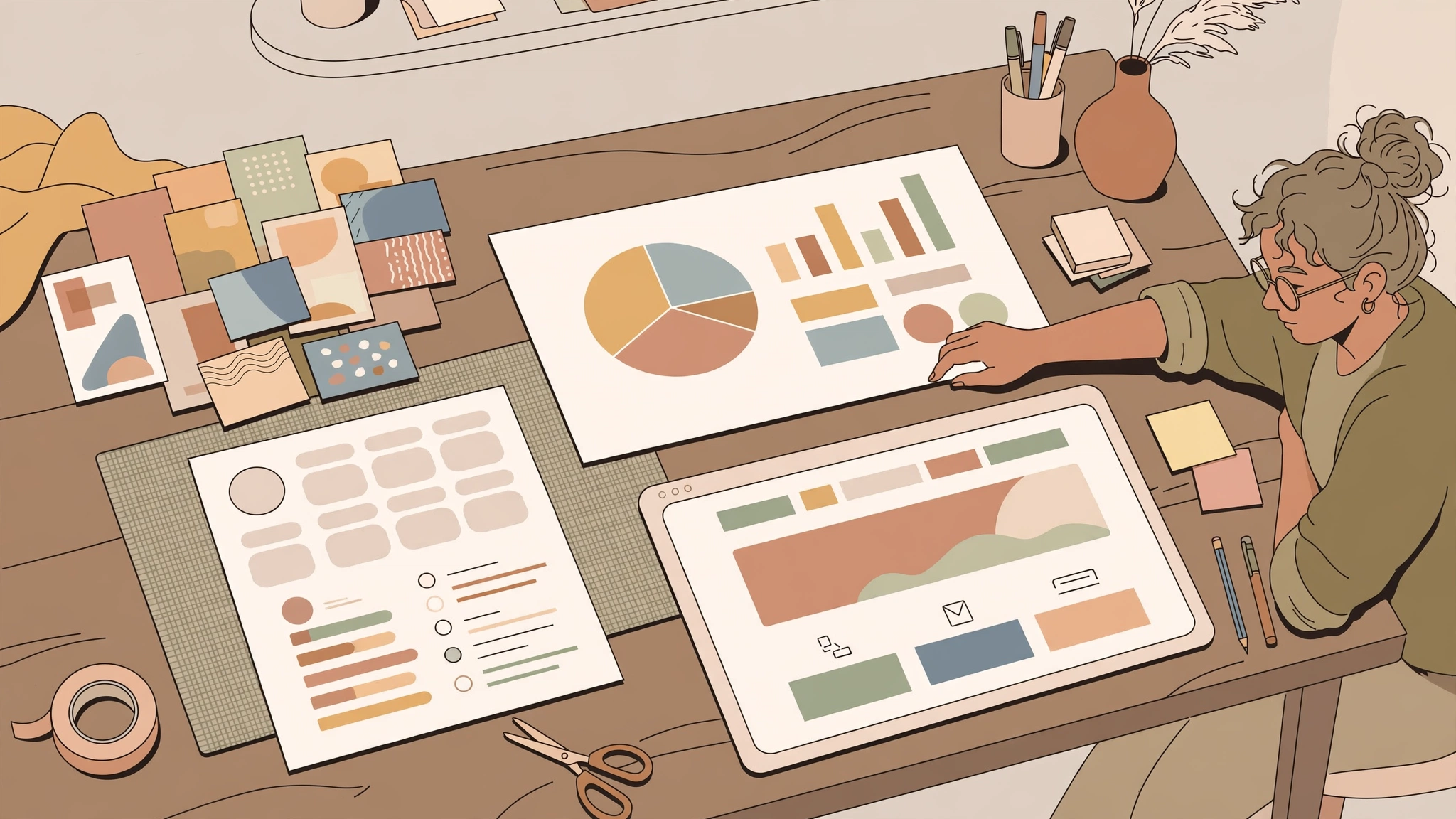
A resume template, a slide deck, a social media kit, or a website theme can be sold again and again once it is built. Buyers pay for a layout they could not make themselves in an afternoon. Test the template in the software versions you claim to support, and check the licence on every font, photo, and icon. A template with a font you cannot resell is a refund waiting to happen.
Creative Market is the natural home for design-led templates, and its buyers expect polished work. Its Shop Terms state that shop owners receive 50% of net revenue on standard-licence sales, and that rates can vary by shop and product. Payouts need a $20 balance, and a new shop must pass a portfolio review before it can open. There is no exclusivity, so the same template can be sold elsewhere too. Half of each sale is a steep price for reach, so price with that split in mind.
4. Stock photos

Stock photos suit someone who already takes photos. The work is not one great shot. It is hundreds of clean, well-keyworded images of things buyers actually search for: a desk from above, hands holding a coffee cup, a small business owner at work. Each photo earns very little on its own. A catalogue earns the money.
Adobe Stock pays contributors a 33% royalty on photos, vectors, and illustrations. Its royalty page works the maths out: on a plan costing $29.99 a month for ten photo licences, the royalty comes to $0.99 per licensed photo. On its largest subscription plans a minimum of $0.33 to $0.38 per download applies. Payouts open at $25, once at least 45 days have passed since your first sale. Adobe Stock’s royalty page has the full table. Go in with open eyes: this is a slow build, not a quick payout.
5. Printable planners and worksheets
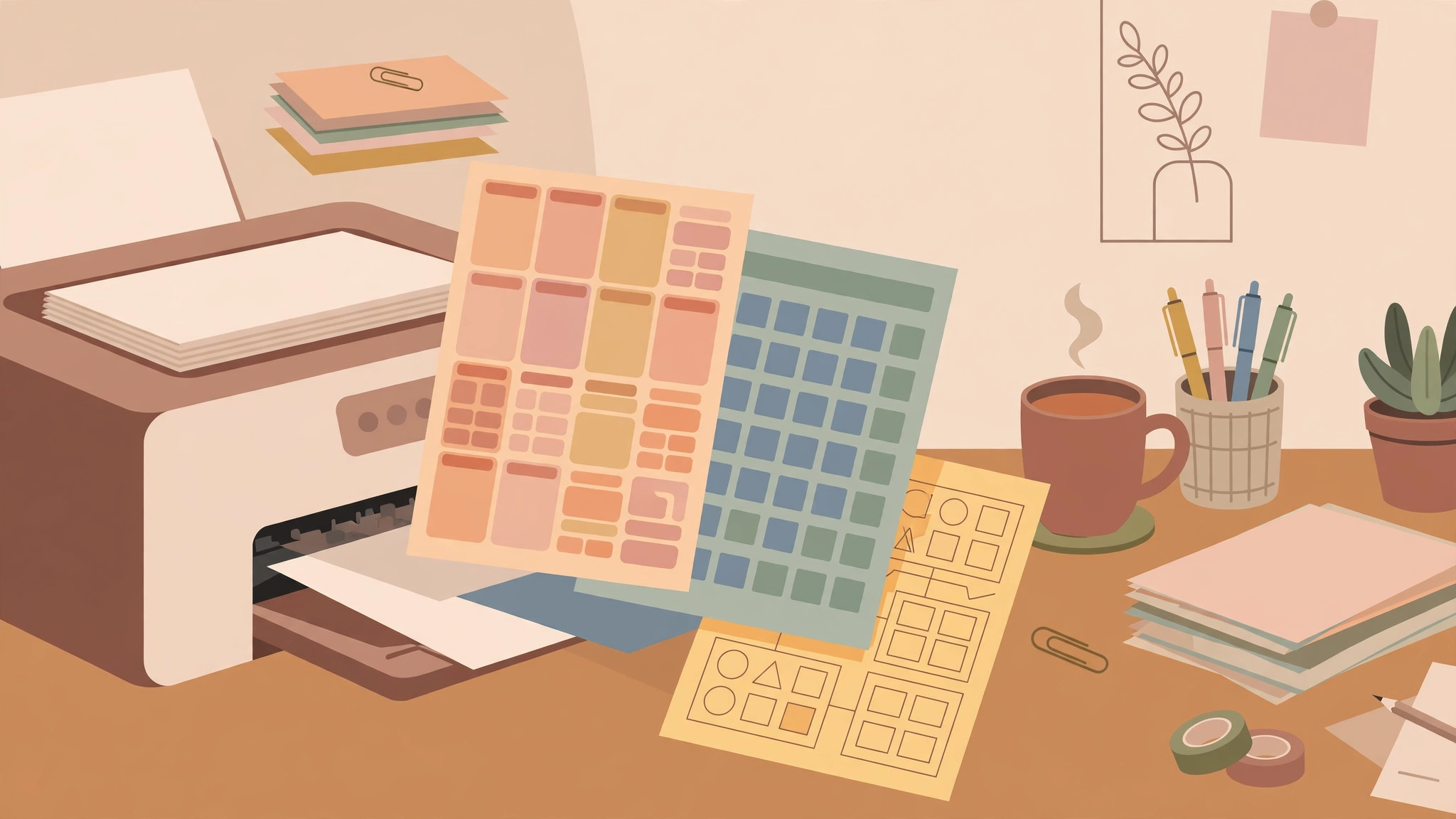
A printable is a file the buyer downloads and prints at home: a weekly planner, a budget tracker, a habit log, a wedding checklist. The buyer gets it at once and pays very little. What sells is a specific use, not a generic stack of blank pages. A garden log with the right fields beats a plain lined sheet every time.
Etsy is where most printable sellers start, because it already has buyers looking for them. Its fees page lists a $0.20 listing fee per item, charged whether or not it sells, with each listing live for four months. On a sale, Etsy takes a 6.5% transaction fee on the total order amount, plus a payment processing fee of 3% plus $0.25. Read Etsy’s fees page before listing, and keep your designs original: using a cartoon character or a brand logo you do not own is the fastest way to lose a shop.
6. Photo presets and filters

A preset is a saved set of photo edits that a buyer applies in one click. It suits someone who already edits photos and has a look other people ask about. The file itself is tiny: no printing, no shipping, nothing to store. What buyers need before they pay is proof, so show before-and-after examples made from your own photos, and say clearly which app and version the preset works with.
Payhip is a good fit here because every plan carries the same features and the only difference is the fee. Its pricing page lists a Free Forever plan at $0 a month with a 5% transaction fee, Plus at $29 a month with a 2% fee, and Pro at $99 a month with no transaction fee. Stripe or PayPal processing sits on top of those figures on every plan. Start on the free plan: a monthly fee only makes sense once the 5% cut costs more than $29 a month, which needs about $580 in monthly sales.
7. Music and sound packs
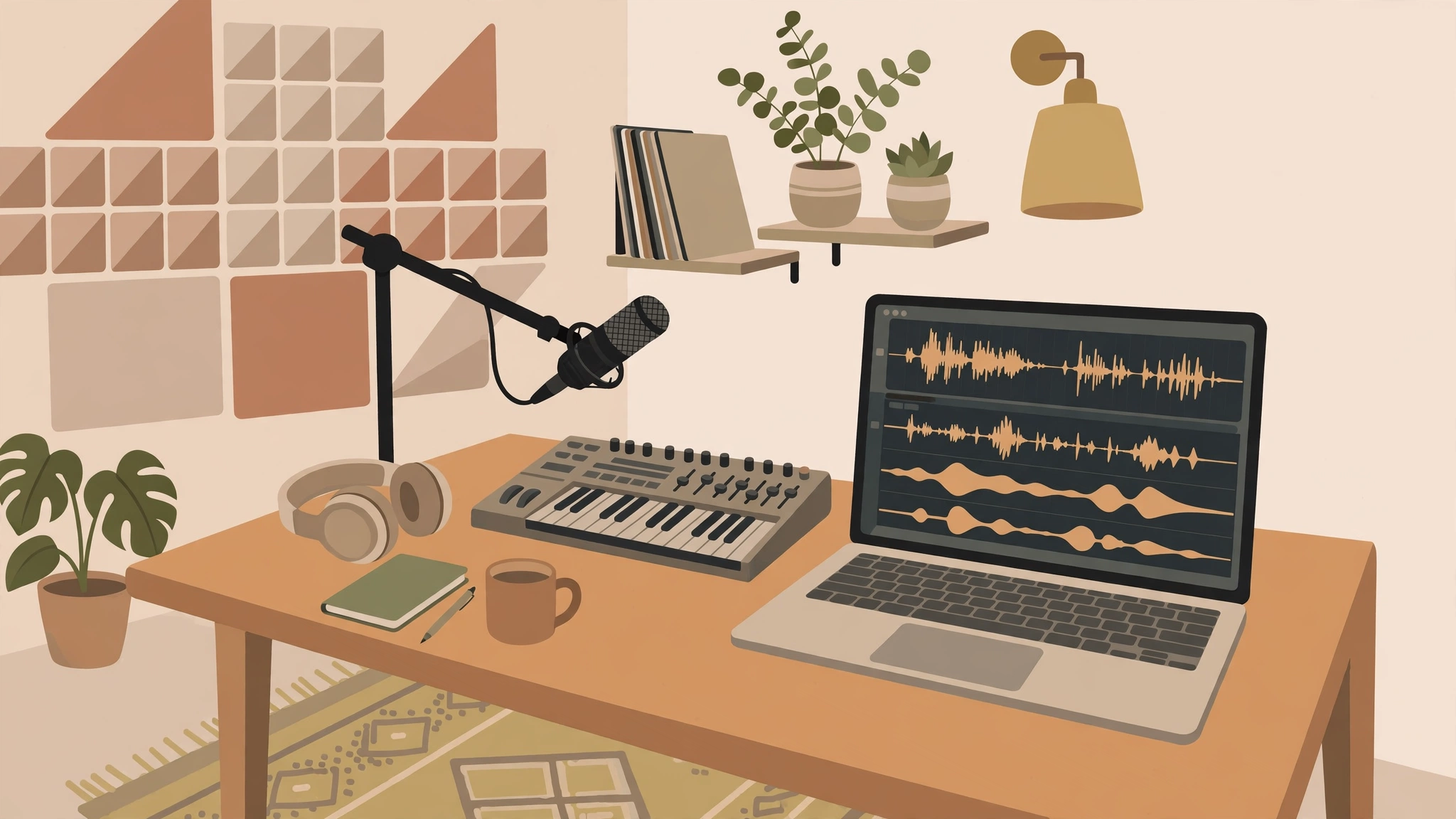
A short loop for a video intro, a set of notification sounds, or background tracks for creators: small audio files with a clear use sell better than full songs with no buyer in mind. Record clean audio, name each file so a buyer can find it, and include a short preview. A buyer who cannot hear the sound before paying will not pay.
Envato Market, through its AudioJungle marketplace, is the best-known route, but the terms changed recently and the change matters. Since 1 July 2026 every Envato Market author pays a flat 50% author fee on the item price, and the old exclusive model is gone, so the same sounds can be sold elsewhere too. A fixed buyer fee is also added to the list price, which pushes the marketplace’s real share above half. New authors cannot simply sign up: Envato has paused open author applications, with new authors joining by invitation only. If Envato is closed to you, sell the same pack direct through Gumroad or Payhip and keep the buyer relationship yourself.
Check the numbers on a $25 ebook
Take a $25 ebook sold direct on Gumroad. The platform fee is 10% of $25, which is $2.50, plus $0.50, making $3.00. Card processing is 2.9% of $25, which is $0.73, plus $0.30, making $1.03. Total fees come to $4.03, so you keep $20.97.
The same sale through Gumroad Discover looks different. The flat 30% fee is $7.50, processing included, so you keep $17.50. That is $3.47 less per sale, the price of a buyer you did not find yourself. Whether that is worth it depends on whether Discover brings sales you would not have made at all.
Now add fixed costs. Suppose your tools cost $60 a month: an email tool and a design app. At $20.97 kept per direct sale, three sales bring in $62.91, which just covers the $60. Four sales leave $23.88 above the tools. This is an illustrative example with assumed inputs, not a promise of what you will earn. Run the same sum with your own price, platform, and costs before you decide what you can spend to find a customer.
Test a digital product idea on a small scale

A planning example, not a deadline or an earnings promise
- Choose one audience and one problem you understand. A budget planner for first-time renters is a product. A planner for everyone is not.
- Show a sample or a prototype and ask what would make it useful. If you are still learning what customers pay for, a freelance project can teach you that before you build a product.
- Set a limit on the time and money you will spend testing it. A free plan and a weekend is a sensible first test. A paid plan and a month of evenings is not, until the idea has earned it. If you need a small budget for tools, short paid tasks such as get paid to test websites can cover a month of a basic tool.
- Track enquiries, purchases, refunds, and support hours. Ten sales with twenty support emails is a different business from ten sales with none.
- Improve or stop the experiment based on what you observed. Discovering that nobody wants the proposed product is a useful first result. Finding that out before building a catalogue is valuable too.
Frequently asked questions
Do I need a business or a registered company to sell digital products?
In most places you can start as an individual, and the platforms above all let you. Tax rules differ by place, so check your local tax rules before your first sale, and keep a record of every sale from day one. Some marketplaces collect and remit sales tax for you. On your own store that job is yours.
How much money do I need to start?
Very little, if you pick a free plan. An ebook on Gumroad or a preset pack on Payhip costs nothing until a sale happens. A course on Teachable is the exception: the cheapest plan is $29 a month on yearly billing, so it only makes sense once you have a course ready and people waiting for it. Your time is the real startup cost, and most people undercount it.
Which platform is best for a beginner?
There is no single best one. It depends on the product. Ebooks and presets suit Gumroad or Payhip, printables suit Etsy, templates suit Creative Market, photos suit Adobe Stock, and courses suit Teachable. Start where your product already has buyers, and check the fee before you set a price.
Can I sell the same product on more than one platform?
Usually, yes. Gumroad, Payhip, Creative Market, and Envato Market are all non-exclusive now, so the same file can be listed in several places. Read each platform’s terms first, and do not promise buyers an exclusive file you have already sold elsewhere.
The bottom line
Selling digital products online is real, cheap to start, and slow to pay. Pick one idea that matches a skill you already have, list it where its buyers already look, and check the fee before you set the price. Give it a month of honest testing before you judge it. If it sells, you have a product worth improving. If it does not, you have lost a few evenings and learned why.
Sources and editorial notes
Fees and platform details were checked against the linked platform pages on 22 November 2026: Gumroad’s fees page, Teachable’s pricing page, Etsy’s fees page, Payhip’s pricing page, and Adobe Stock’s royalty page. Creative Market’s 50% share comes from its Shop Terms, Envato Market’s flat 50% fee from its Author Hub announcement of the 1 July 2026 change, and Shopify Basic pricing from Shopify’s pricing page. This article doesn’t report hands-on sales results. All images are AI-generated editorial illustrations created for Plioty. Read our editorial process or send a correction.
2 thoughts on “Sell Digital Products Online: 7 Ideas With Low Startup Costs”